

Debt Snowball & Avalanche Payoff Calculator (Google Sheets & Excel)
Google Sheets + Excel · Light & Dark Modes
Snowball vs. Avalanche Strategy Simulator & Debt-Free Date Forecaster
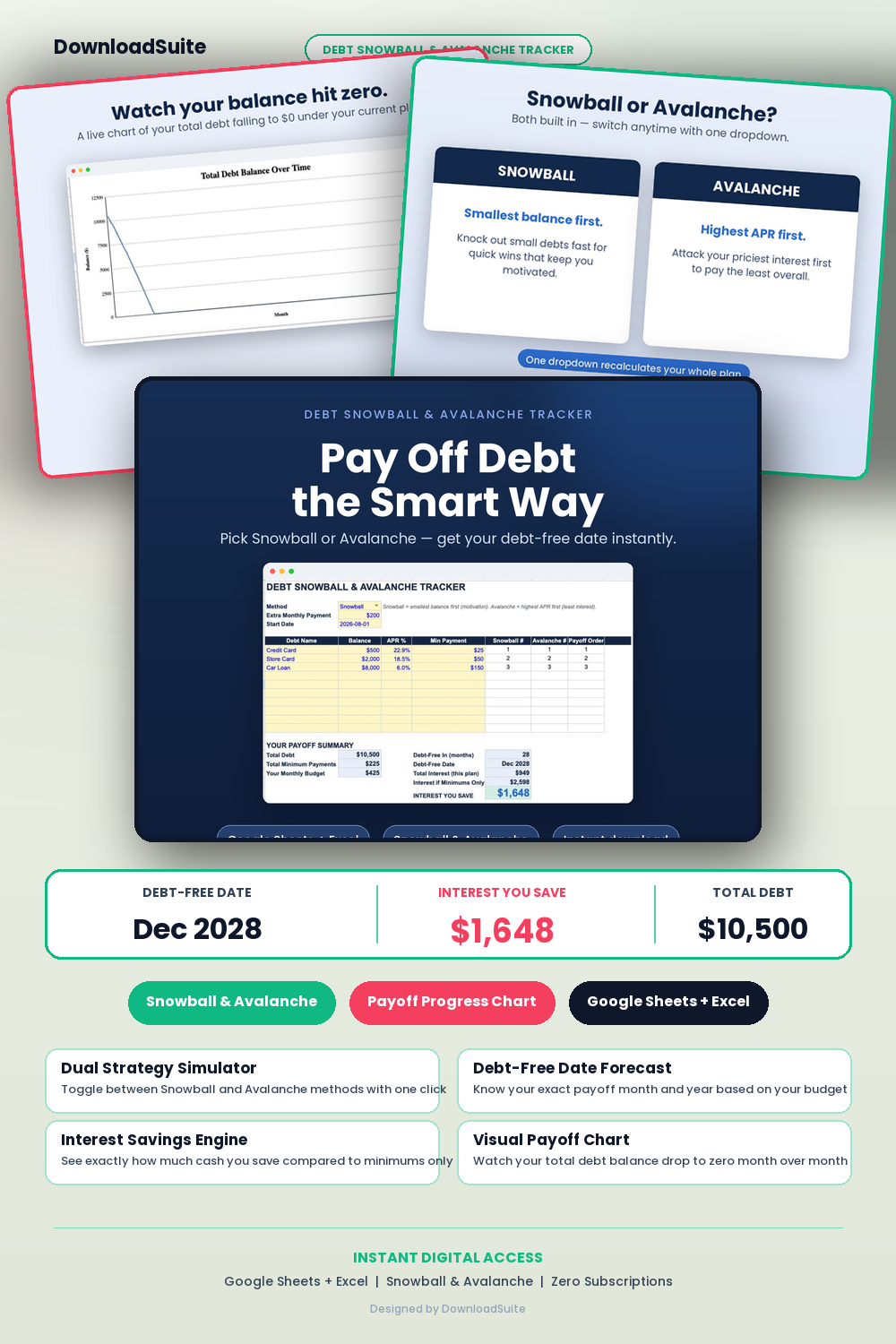
- Dual Strategy Simulator (Instantly switch between Debt Snowball and Debt Avalanche methods)
- Debt-Free Date Forecaster (Calculates exact month and year you become 100% debt-free)
- Interest Savings Calculator (Shows exact dollar amount saved by adding extra monthly payments)
- Monthly Amortization Payment Schedule (Itemizes principal vs interest per debt account)
- Visual Payoff Progress Charts & Milestone Badges for Motivation
- Unlimited Debt Account Capacity (Credit cards, student loans, auto loans, medical & personal debts)
- Light & Dark Mode Included (Google Sheets + Microsoft Excel)
Instant digital download. All sales final. Message us anytime for help.
Take control of your debt and accelerate your journey to financial freedom. The DownloadSuite Debt Snowball & Avalanche Payoff Calculator simulates both payoff strategies side-by-side, models extra monthly principal payments, and reveals your exact debt-free date and total interest savings.
What's Included in This System:
- Dual Strategy Simulator: Instantly toggle between the Debt Snowball (lowest balance first for psychological momentum) and Debt Avalanche (highest interest first to minimize cost).
- Debt-Free Date Forecaster: Calculates the exact month and year you become 100% debt-free based on your current budget.
- Interest Savings Accelerator: Shows exact dollars saved and years shaved off your payoff by adding $50, $100, or $500 in extra monthly principal.
- Monthly Amortization Payment Schedule: Clear breakdown of monthly principal vs interest payments for every credit card, student loan, and auto loan.
- Visual Payoff Milestone Charts & Badges: Interactive progress graphs and debt elimination milestones that keep you motivated.
- Unlimited Debt Capacity: Supports credit cards, student loans, auto loans, medical debt, and personal loans.
How to Use:
- List your debts, current balances, interest rates (APR), and minimum monthly payments on the Debt Inventory tab.
- Enter any extra monthly payment amount you can afford to apply toward your debt payoff.
- Compare Snowball vs Avalanche results, select your preferred strategy, and follow your monthly payment plan.
What's inside
- Start Here Quick-Start & Debt Elimination Strategy Guide
- Debt Dashboard with Snowball vs Avalanche Comparison
- Master Debt Accounts & Interest Rate Inventory Tab
- Monthly Payment & Extra Principal Accelerator Schedule
- Individual Account Amortization Breakdown Tabs
- Visual Payoff Milestone Charts
- Instant Google Sheets Links + Native Excel .xlsx Workbooks
FAQ
What is the difference between Snowball and Avalanche?
Debt Snowball pays off debts from smallest balance to largest for psychological quick wins. Debt Avalanche pays highest interest rates first to minimize total interest paid. This spreadsheet lets you toggle between both with one click.
Can I test one-time lump sum payments (like a tax refund)?
Yes! You can enter recurring extra payments or one-time extra payments in any month and see your payoff date update immediately.
Does it work in Excel and Google Sheets?
Yes! Both native Excel workbooks and Google Sheets copy links in Light and Dark themes are included.